
Step-by-step How to Download Your Statements and Earnings Reports from BMI
Step-by-step

BMI Instructions
1. Login to BMI dashboard
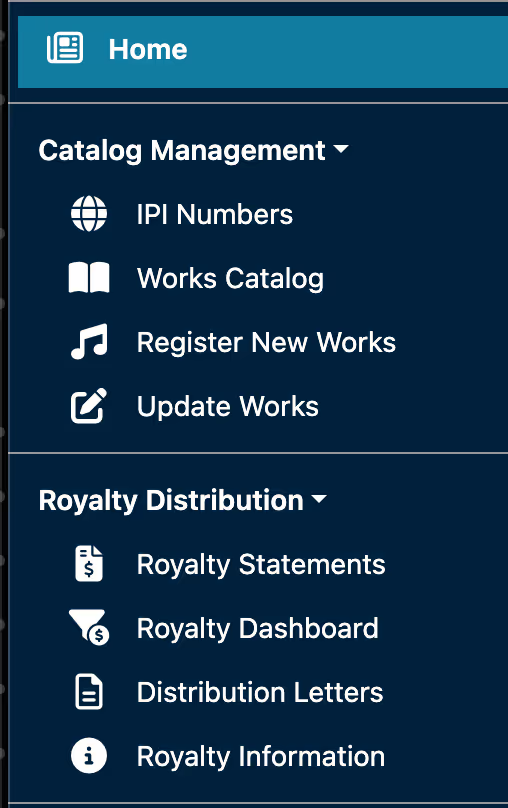
2. Select Royalty statements and select the relevant account
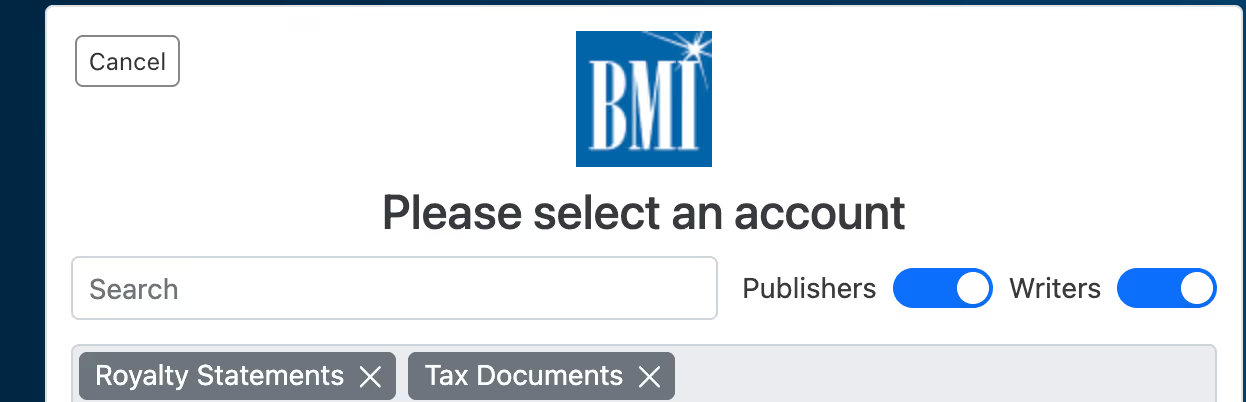
3. Click on download on the individual dates or select bulk download .csv and PDF to get the statements from the last 12-36 months

4. Send files to your Xposure contact via email.
HAVING TROUBLE?
We're here to help!
funding@xposuremusic.com
Other Instructions You Might Find Helpful
